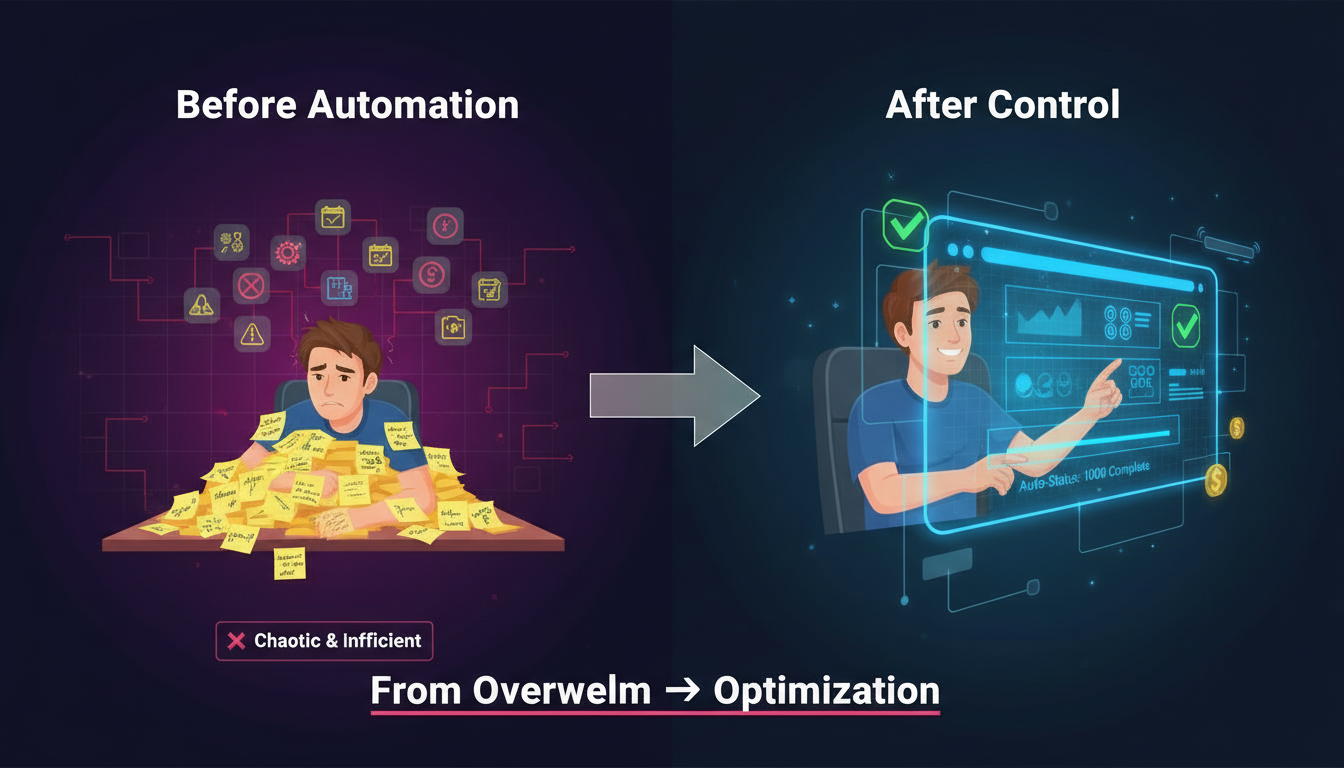

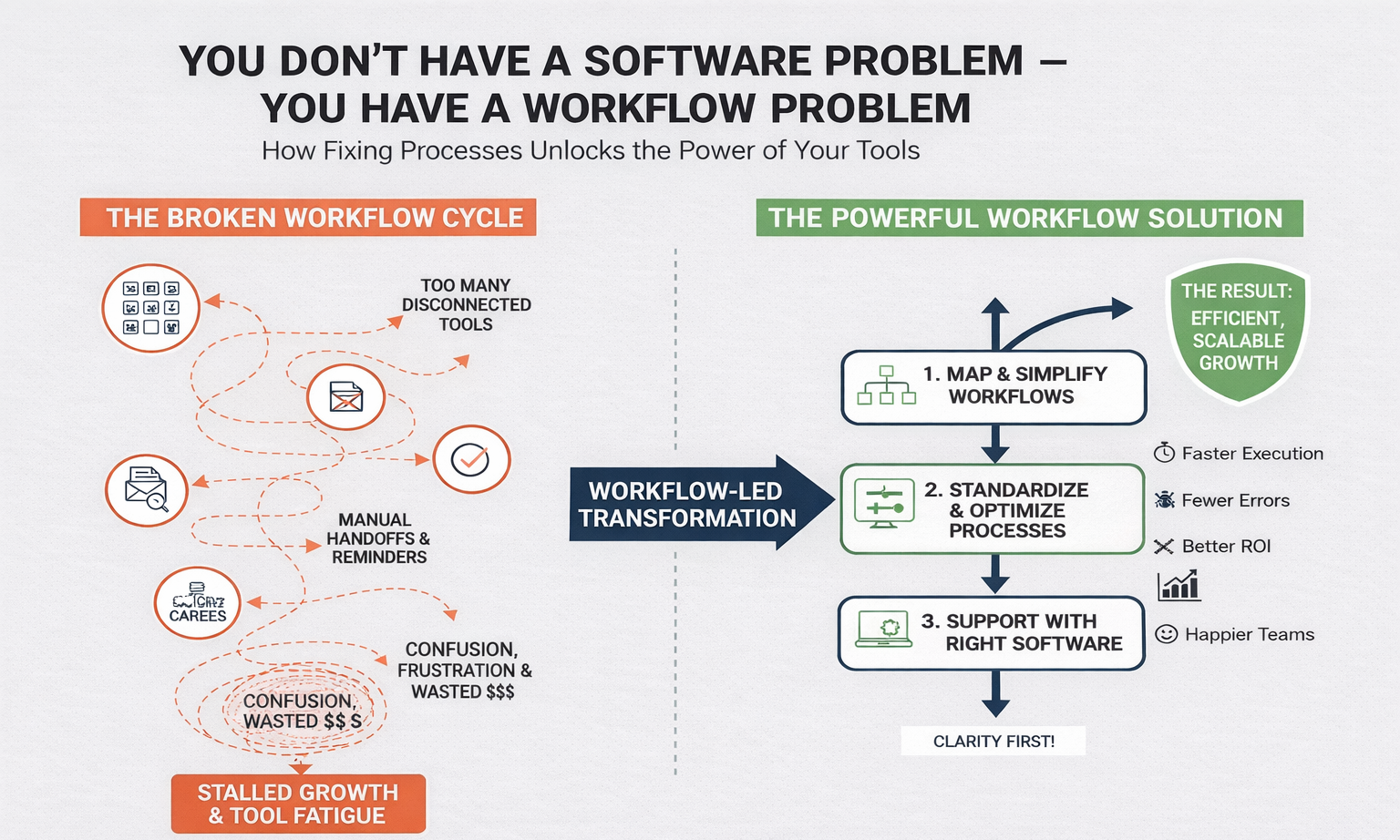
Many businesses believe their challenges come from using the wrong software. So they keep buying new tools, switching platforms, and adding subscriptions—yet productivity stays flat and teams remain overwhelmed. The truth is simple: most businesses don’t have a software problem; they have a workflow problem.
Until workflows are clear, efficient, and aligned with how work actually happens, no tool can deliver results. This article explains why workflows matter more than software, where businesses go wrong, and how fixing workflows unlocks real efficiency and growth.
Why More Software Rarely Fixes the Real Issue
Adding new tools often feels like progress, but it usually creates new problems:
- Teams juggle too many platforms
- Information is scattered across systems
- Tasks still rely on manual handoffs
- Accountability becomes unclear
When workflows are broken, software only digitizes chaos instead of solving it.
What a Workflow Really Is (and Why It Matters)
A workflow is the step-by-step path work takes from start to finish. It defines:
- Who does what
- When tasks move forward
- Where decisions happen
- How information flows
If workflows are unclear or inconsistent, employees waste time figuring out how to work instead of actually working.
Signs You Have a Workflow Problem
You likely have a workflow issue if:
- Tasks depend on people reminding each other
- Work slows down when one person is absent
- Processes change depending on who handles them
- Reports take too long to prepare
- Errors happen repeatedly in the same steps
These are not software failures—they’re process failures.
The Cost of Broken Workflows
Poor workflows quietly drain businesses in several ways:
Lost Time
Employees spend hours switching tools, searching for information, or waiting for approvals.
Increased Errors
Manual handoffs and unclear steps increase mistakes, rework, and customer dissatisfaction.
Low Adoption of Tools
Teams blame software when they don’t understand how it fits into daily work, leading to wasted investments.
Slow Growth
When workflows don’t scale, businesses must add people instead of improving efficiency.
Why Businesses Keep Buying Software Anywa
There are common reasons leaders default to tools instead of workflows:
- Software feels like a quick fix
- Vendors promise instant results
- Workflow design feels “internal” and unexciting
- Teams resist process change
But without fixing workflows first, even the best software becomes underused or misused.
Fix the Workflow Before the Tool
The most effective companies follow a different approach:
Step 1 — Map the Workflow
Document how work actually happens, not how it should happen.
- Identify delays and bottlenecks
- Highlight manual handoffs
- Remove unnecessary steps
Step 2 — Standardize the Process
Create clear, repeatable steps so work is consistent regardless of who performs it.
Step 3 — Then Choose Software
Only after workflows are clear should software be introduced to support and automate those processes.
When software matches a clean workflow, adoption improves and results follow naturally.
Better Workflows Mean Better Results
Strong workflows deliver measurable benefits:
- Faster execution
- Fewer errors
- Clear ownership
- Easier training
- Better use of existing tools
Instead of constantly switching platforms, businesses gain stability and scalability.
Workflow Clarity Creates Automation Opportunities
Once workflows are defined:
- Repetitive steps become obvious
- Bottlenecks are easier to remove
- Automation becomes targeted and effective
Automation works best after workflows are optimized—not before.
Conclusion
If your business feels slow, chaotic, or over-tooled, the problem likely isn’t your software stack. It’s the lack of clear, efficient workflows guiding how work gets done.
Tools don’t fix broken processes—good workflows make tools powerful.